
STEP 01
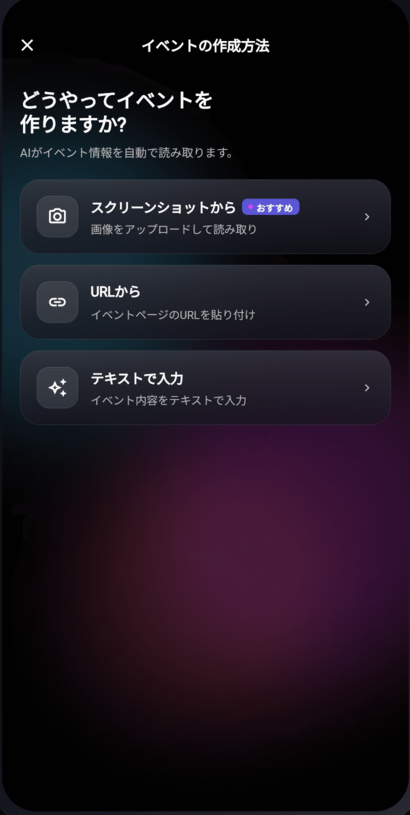
Paste a URL or an image
AI writes the title, description, date, place and cover image for you. It takes about ten seconds, and you can edit every part of it afterwards.
Guide · 3 Steps
Three minutes, from pasting a URL to checking people in.
STEP 01
AI writes the title, description, date, place and cover image for you. It takes about ten seconds, and you can edit every part of it afterwards.
STEP 02
Public, friends only, unlisted, or community only. Once it is live, share the URL with friends, your community or social media — and every "I'm in" is visible to that person's friends too.
STEP 03
Scanning a guest's QR code checks them in. You can add staff to help on the day from the event management screen.
Contact form — open 24 hours, answered within 3 business days